Symbol Library:
using Unicode well.
Research-backed guides for choosing characters that look right, mean the right thing and work where you paste them.
 Unicode essentials
Unicode Symbols Explained: From Code Point to Character
A symbol may look like a tiny drawing, but under the hood it is text with an identity, a code point and a rendering supplied by your font.
Read the cover story →Choose a reading path
Pick the question that matches your goal. Each path links a guide to the symbol collection where you can try the idea out.
I want to understand Unicode
Read Unicode symbols explained, then compare real values in technical symbols.
I want to decorate text
Start with the aesthetic symbols guide. Then pick marks in aesthetic symbols, or build a line in the Symbol Maker.
I need symbols that work well
Use the font compatibility guide and test familiar forms in check symbols.
Unicode essentials
How characters are encoded, named, rendered and copied across devices.
Everything on this site rests on one idea: a symbol is text. It has a number, a formal name and a defined identity, and the shape you see is whatever font the destination happens to reach for. These guides explain that separation — code point versus glyph, character versus emoji, sequence versus single value — because almost every problem people hit with symbols comes from confusing the two. Read them when a character vanishes into a box, when two marks look identical but behave differently, or when you want to know why the heart you copied arrived in a colour you did not choose.
Unicode essentialsUnicode Symbols vs Emoji: What Is the Difference?
Learn why some characters render as plain text, others as colourful emoji, and a few can appear in either style.
Read guide → Unicode essentials
Symbol Compatibility: Fonts, Devices and Missing Glyphs
Make Unicode symbols render more reliably across phones, browsers, documents and exported files.
Read guide →Unicode essentialsEmoji Sequences Explained: Joiners, Skin Tones and Flags
Understand how people, family, profession, skin-tone and flag emoji are built, why they sometimes split apart, and how to copy them intact.
Read guide →Unicode essentialsHow to Type Symbols: Alt Codes and Keyboard Shortcuts
Type Unicode symbols directly on Windows, macOS, Linux, iPhone and Android using alt codes, hex input and the built-in character pickers.
Read guide → Unicode essentials
What Are Cool Symbols and How Do They Actually Work
Cool symbols are ordinary text characters, not pictures. Here is what they really are, why they copy anywhere, and where they break.
Read guide → Unicode essentials
How Cool Symbols Differ From Regular Keyboard Characters
Your keyboard reaches about 100 characters. Unicode holds nearly 160,000. Here is what actually separates the two groups.
Read guide → Unicode essentials
The Different Types of Cool Symbols and What They Do
Cool symbols split into a few families: text marks, emoji, styled letters, sequences and invisibles. Each behaves differently when you paste it.
Read guide → Unicode essentials
How to Type the Infinity Symbol on Any Keyboard
Every method for typing the infinity symbol on Windows, Mac, Linux, iOS, Android and the web, plus the lookalikes to avoid.
Read guide → Unicode essentials
How to Find the Right Symbol for Any Occasion
Searching for a symbol by how it looks rarely works. Searching by what it means almost always does.
Read guide → Unicode essentials
How to Type Special Characters on a Chromebook
ChromeOS has no alt codes. Here are the four methods that do work, including the Unicode shortcut most people never find.
Read guide → Unicode essentials
How to Turn On Special Character Input on Android
Android hides most of its character input behind long-press and the symbols tab. Here is how to reach all of it.
Read guide → Unicode essentials
How to Type Accented Characters and Foreign Letters
Every method for typing accented letters on Windows, Mac, Linux, iOS and Android, and why the character you choose matters.
Read guide → Unicode essentials
What Is the Difference Between Unicode and ASCII
ASCII covers 128 characters. Unicode covers every writing system. Here is what changed, why UTF-8 matters, and when the difference bites.
Read guide → Unicode essentials
Copy-Pasting Symbols vs Typing Them From Scratch
Copying is faster and riskier. Typing is slower and cleaner. Here is which to choose for which job.
Read guide → Unicode essentials
Windows Character Map vs Online Symbol Tools
Character Map is offline, exhaustive and awkward. Online tools are fast and curated. Each wins at a different job.
Read guide →Creative text
Practical systems for bios, names, captions, dividers and readable decoration.
Styled letters, dividers and borders are the reason most people find a symbol site, and they are also where the most avoidable mistakes happen. Fancy text is not a font: it substitutes different Unicode characters for ordinary ones, which means search engines, screen readers and password fields all see something other than your name. These guides cover the composition techniques that work, the alignment rules that make borders line up, and the plain-text fallbacks that keep a decorated profile findable.
 Creative text
The Complete Guide to Aesthetic Symbols
Build balanced, readable aesthetic text with sparkles, hearts, stars, brackets and spacing that survives copy and paste.
Read guide →Creative textHow to Make Cool Symbol Combinations
A composition method for building copyable symbol combinations, dividers, name frames and text art.
Read guide →Creative textText Dividers and Borders That Stay Readable
Design Unicode dividers and text borders for bios, notes and posts without broken alignment or mobile wrapping.
Read guide → Creative text
How to Add a Crown Symbol to Your Name Online
There are several crown characters and they behave very differently. Here is which one to use and where it will actually render.
Read guide → Creative text
How to Use the Bullet Point Symbol in Any App
The bullet character, the middle dot and a real list are three different things. Knowing which to use prevents most formatting problems.
Read guide → Creative text
How to Make ASCII Art With Text Symbols
Text art only works when the characters line up. Here is how spacing, monospace fonts and block characters actually behave.
Read guide → Creative text
How to Use Arrow Symbols to Make Better-Looking Lists
Arrows turn a flat list into a sequence. Here is which arrow to use for which relationship, and where they mislead.
Read guide →Meaning & culture
The history, meaning and context behind familiar marks.
A symbol is rarely just a shape. Hearts carry different weight depending on their form, stars mean one thing in a rating and another in a horoscope, and arrows have separate conventions in navigation and mathematics. These guides trace where familiar marks came from and how their meanings settled, so you can choose one because it says what you mean rather than because it looked right in the grid.
 Meaning & culture
Heart Symbol Meanings: ♡, ♥, ❤ and Beyond
Compare the origins, visual styles and common uses of popular heart symbols and heart emoji.
Read guide →Meaning & cultureStar Symbol Meanings: Ratings, Favorites and Decoration
Understand popular star characters, from ★ and ☆ to sparkles, asterisks and celestial symbols.
Read guide →Meaning & cultureArrow Symbols: A Practical Direction and Navigation Guide
Choose the right Unicode arrow for navigation, logic, keyboard hints, documents and decorative text.
Read guide → Meaning & culture
What Makes a Symbol Cool and Why People Love Using Them
Why a handful of Unicode characters became decoration while thousands stayed invisible. The pattern is more predictable than it looks.
Read guide → Meaning & culture
The History of Text Symbols and How They Became Popular
From printers' dingbats to Instagram bios. How a set of typesetting marks became the decorative vocabulary of the internet.
Read guide →Digital communication
Accessibility, compatibility and professional symbol use.
Using symbols well in public writing is mostly a question of restraint and testing. A decorative mark that replaces a word becomes invisible to a screen reader; a recent emoji that renders on your phone may be an empty rectangle on someone else's. These guides cover accessible symbol use, cross-platform compatibility, safe copying from unfamiliar sources, and the conventions that hold up in professional documents.
Digital communicationHow to Copy and Paste Symbols Safely
A practical checklist for copying Unicode symbols into documents, usernames, code and social profiles without hidden surprises.
Read guide → Digital communication
Cool Symbols for Bios, Usernames and Captions
Choose symbols that improve social profiles without harming searchability, readability or cross-platform compatibility.
Read guide →Digital communicationFancy Text and Accessibility: A Practical Guide
Use decorative Unicode letters and symbols without creating unreadable names, noisy screen-reader output or confusing controls.
Read guide →Digital communicationAccessible Symbol Use in Websites and Documents
A checklist for using arrows, checks, warnings and decorative marks in inclusive interfaces and content.
Read guide →Digital communicationUsing Symbols in Professional Writing
Use checks, bullets, arrows, currency signs, units and legal marks accurately in business and technical documents.
Read guide →Digital communicationTechnical and Math Symbols: Choosing the Correct Character
Choose Unicode operators, relations, units, keyboard marks and professional signs by meaning instead of visual similarity.
Read guide →Digital communicationSymbols for Instagram Bios, Names and Captions
Which symbols work in an Instagram bio, name and caption, which get stripped, and how to decorate a profile without making it unsearchable.
Read guide →Digital communicationSymbols for Discord Names, Servers and Channels
Which symbols work in Discord usernames, display names, server names and channel names, plus what Discord strips and why.
Read guide →Digital communicationHow to Insert Symbols in Word, Excel and Google Docs
Insert any Unicode symbol into Word, Excel or Google Docs using Alt+X, the Symbol dialog, autocorrect and the formulas that survive a spreadsheet.
Read guide → Digital communication
How to Use Unicode Characters in Your Phone Notes App
Symbols make phone notes far easier to scan. Here is how to insert them, which ones survive a sync, and what to avoid.
Read guide → Digital communication
How to Add Symbols to Your TikTok Username
TikTok treats usernames, display names and bios differently. Here is exactly which fields accept symbols and which quietly strip them.
Read guide → Digital communication
How to Make Your Twitter Bio Stand Out With Symbols
A 160-character bio rewards symbols that replace words. Here is which ones earn their space and which waste it.
Read guide → Digital communication
How to Use Cool Symbols in Facebook Posts
Facebook accepts symbols in posts, comments and page names but not everywhere. Here is what works and what gets flagged.
Read guide → Digital communication
How to Use Symbols in YouTube Channel Names
YouTube allows symbols in channel names, handles and titles under different rules. Here is what each field permits.
Read guide →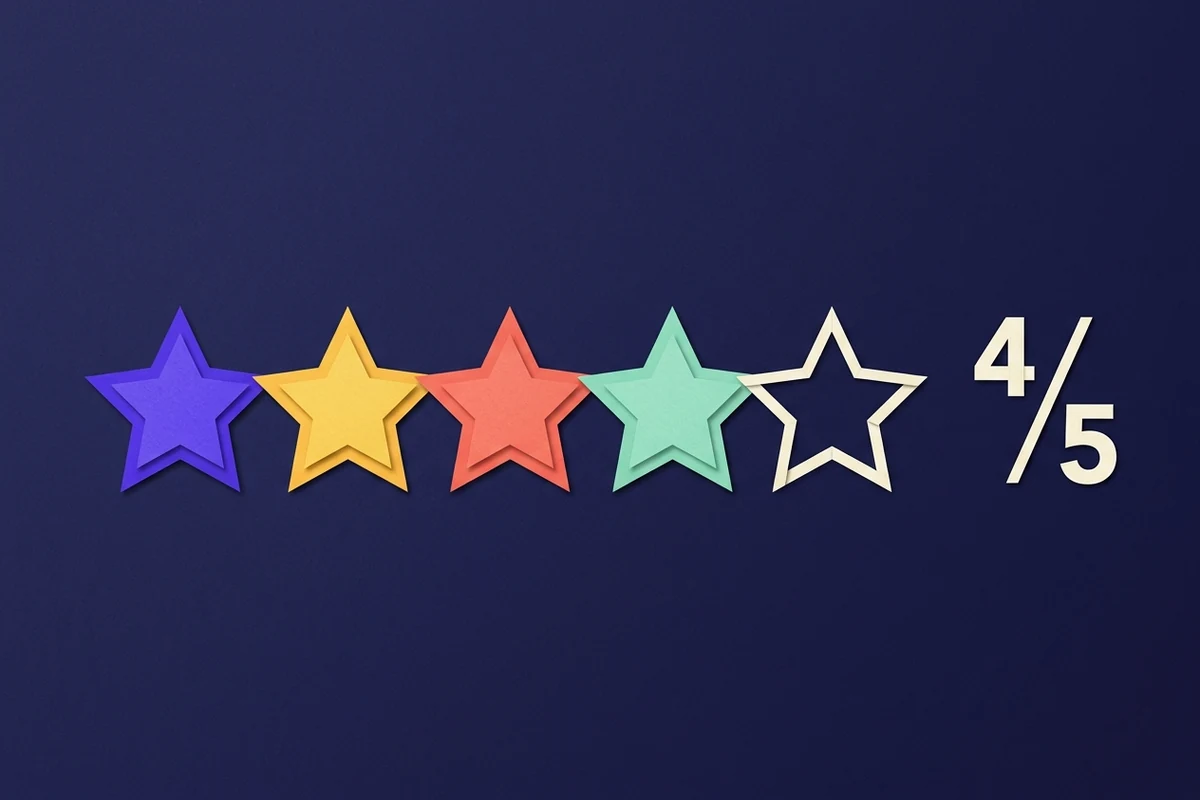 Digital communication
How to Use Star Symbols in Product Reviews and Ratings
Star ratings built from Unicode characters are readable, portable and invisible to screen readers unless you add the number.
Read guide → Digital communication
How to Add Cool Symbols to WhatsApp Status Messages
WhatsApp accepts symbols in status, about and group names, but its formatting characters need care. Here is what to watch.
Read guide → Digital communication
How to Use Math Symbols in Everyday Text Messages
Mathematical characters make chat clearer when used precisely and confusing when used decoratively. Here is the practical line.
Read guide →From the desk
Shorter write-ups and notes, published on a slow drip.
 From the desk
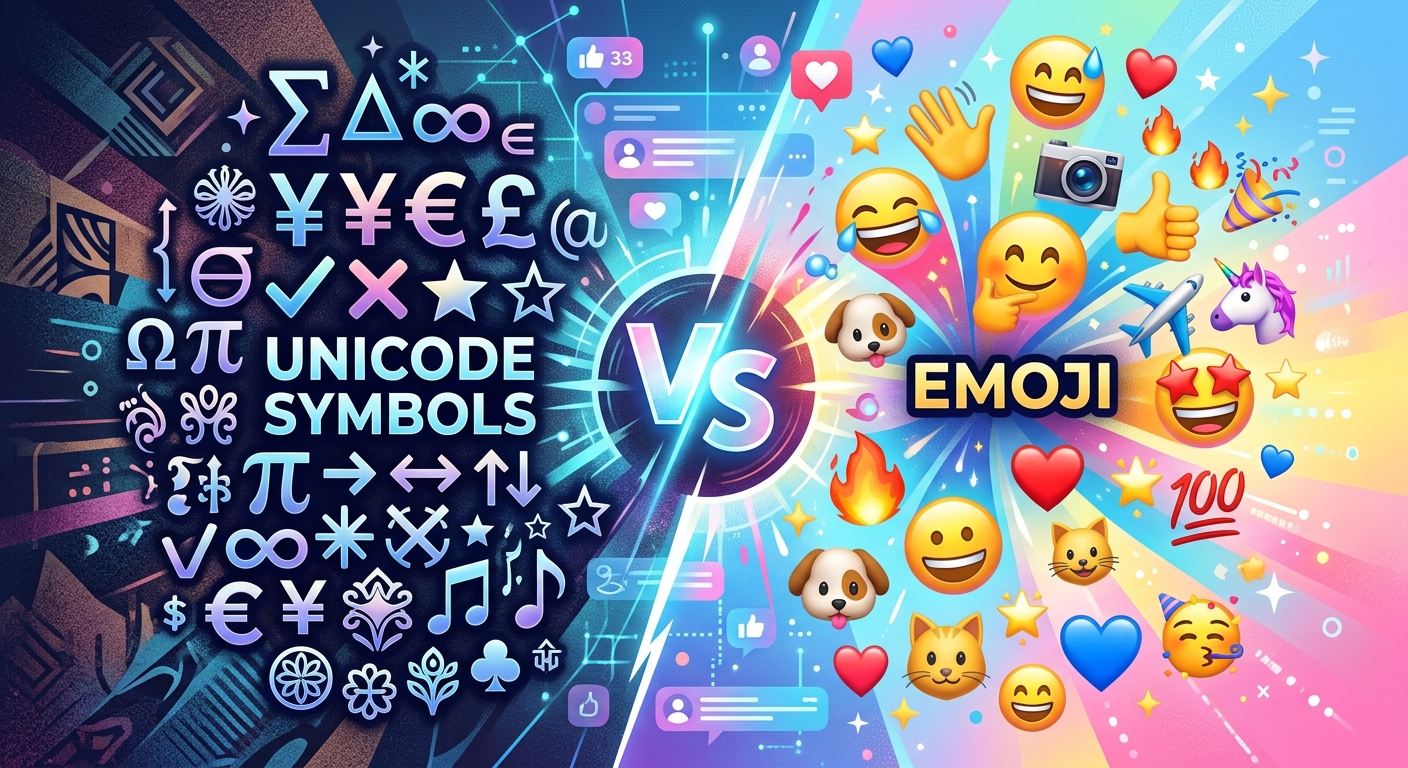
Choosing Between Unicode Symbols and Emoji for Social Media Formatting
Find out when Unicode symbols outperform emoji in Instagram bios, TikTok captions, and Discord statuses, with real copy-paste rendering tips for both.
Read post →