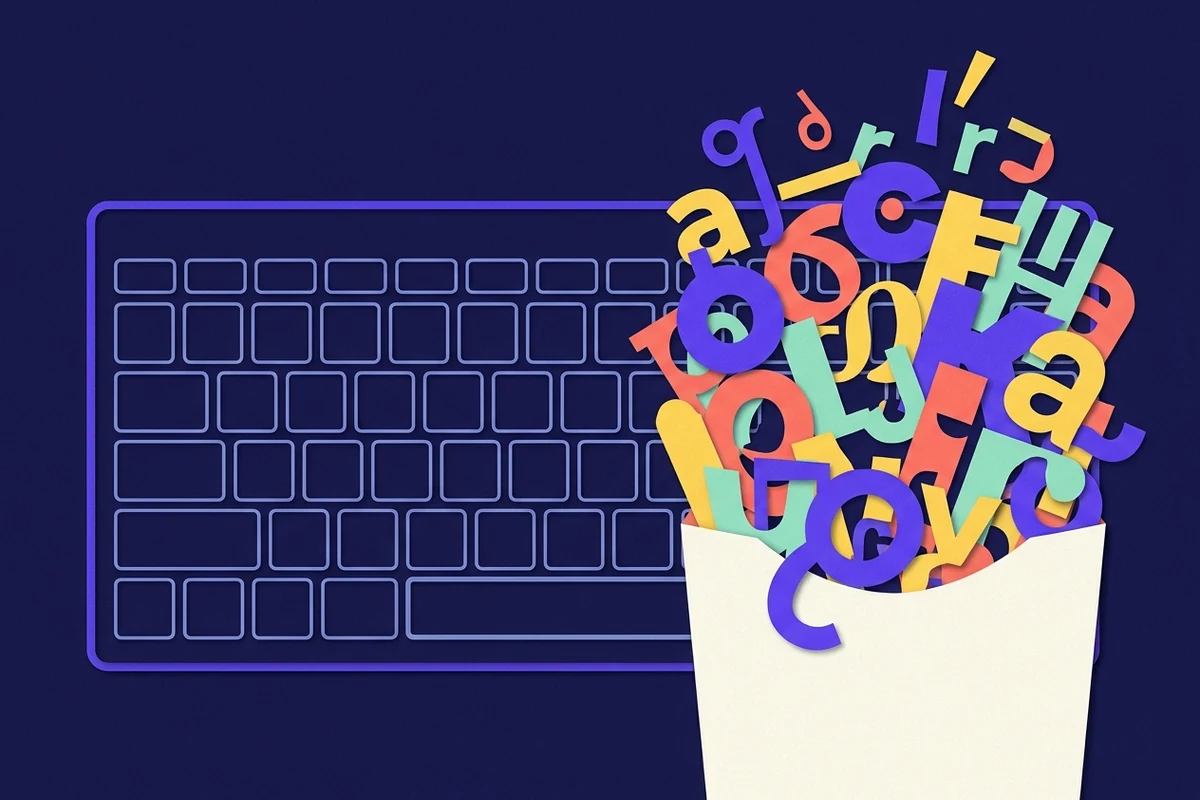
Keyboard layouts were fixed decades before Unicode existed. Here is why they never expanded and what that means in practice.
The short version
Start here if you only have one minute. The full guide below explains each point.
The maths is impossible
About 200 reachable keys against 160,000 characters.
The layout predates computers
It comes from 1870s typewriters.
Software is the fix
Pickers, shortcuts and text replacement.
01
The arithmetic does not work
A full-size keyboard has around 104 keys. With shift and a modifier layer, a layout reaches perhaps 200 characters.
Unicode has almost 160,000 assigned. No physical arrangement can cover that, so every layout is a selection.
02
The layout is older than the problem
The arrangement dates from mechanical typewriters in the 1870s. It was designed around mechanical constraints and English text.
By the time computers needed more characters, hundreds of millions of people had already learned this layout. Changing it was never realistically on the table.
03
Layouts are national, and disagree
A UK keyboard has £ where a US one has #. German layouts move several keys entirely. French layouts change the letter positions.
Each country optimised for its own language, which is why a currency symbol available to one typist requires a shortcut for another.
- US: $ directly, £ requires a shortcut
- UK: £ directly, # requires a modifier
- German: ß and umlauts have their own keys
04
What made the cut
Characters used in ordinary prose and in early programming languages. That is why brackets, slashes and the pipe are on every keyboard while an em dash is not.
Frequency of use in 1960s computing decided most of it, and nothing has revisited the decision since.
✦Your keyboard reflects what English-language programmers needed in the 1960s. That is the actual selection criterion.
05
Where the missing characters went
Into modifier layers, dead keys, pickers and shortcuts. Every operating system built a workaround rather than changing the hardware.
Phones broke from this: long-press gives every key a hidden menu, which is a genuinely better answer than any desktop layout manages.
06
Will it change
Not the physical layout. Muscle memory across billions of typists is an insurmountable constraint.
The change is happening in software instead: better pickers, better search, and text replacement. Those are the parts worth learning.
What a keyboard can reach
Counting every layer a standard layout provides, against what Unicode actually contains.
| Source | Characters reachable |
|---|---|
| Unmodified keys | About 47 |
| With shift | About 94 |
| With a modifier layer | About 200 |
| Assigned in Unicode | Almost 160,000 |
Even the most generous count reaches roughly one eighth of one percent of Unicode. Every input method beyond the keyboard exists to close that gap.
07
Copy the symbols discussed in this guide
This guide explains the topic. Use technical symbols for the main copyable set, compare it with currency symbols, and browse math symbols for another useful angle. Each collection includes searchable Unicode names and HTML references.
08
Questions, answered
Why is there no degree symbol on my keyboard?+
It was not frequent enough in 1960s English computing to earn a key. Use Alt 0176 on Windows or Option and shift and 8 on macOS.
Why do UK and US keyboards differ?+
Each national layout prioritised its own language and currency. The UK keyboard gives £ a key; the US one gives that position to #.
Could keyboards add more keys?+
Physically yes, practically no. Billions of people have learned the current layout, and the retraining cost dwarfs any benefit.
09
Sources and review notes
Reviewed against Unicode terminology for characters, code points, glyphs, sequences and presentation behavior.